
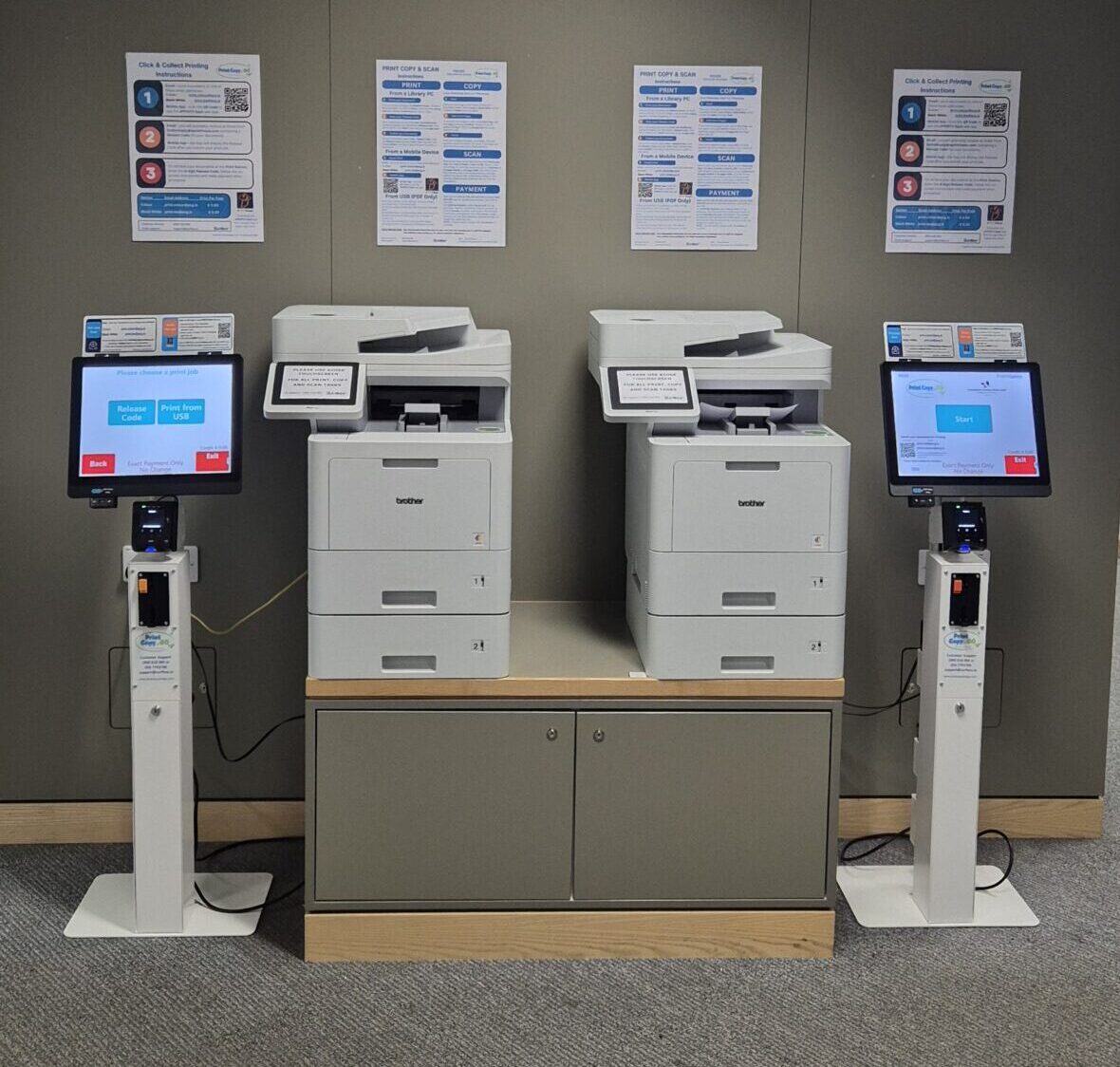
How to print:
Print directly from your mobile phone, laptop, PC, or USB device. Mobile printing can be done by emailing your documents, scanning the QR code displayed on the kiosk, or by using the ePRINTit SaaS app. Once your files are uploaded, you’ll receive a secure 8-digit release code by email, or you can access it directly in the app to release your prints at the kiosk.
How to scan:
Simply place your documents on the flatbed scanner or face-up in the ADF scanner and choose whether you’d like to send them directly to an email address or save them to a USB device. It’s a fast and convenient way to digitise paperwork while you’re on the go.
How to photocopy:
Place your documents on the flatbed scanner or face-up in the ADF scanner, select your copy settings, and print your copies instantly. Please note that copying is limited to a maximum of 25 pages per session.